
The physical nature of media has some built-in limitations and vulnerabilities. Those things can really get in the way of true portability and data security, especially as technology gets better. You’ve got the constant threat of losing the drive or damaging it, and you’re always dealing with the limits of hardware speed and capacity. The traditional USB drive is familiar, sure, but it might not be the best answer anymore for managing portable software and apps.
Cloud-based storage only gets better over time, and it has gone far beyond what physical hardware can do. It gives you a much more secure and incredibly flexible way to make sure you always have your digital workspace right there when you need it.
The cloud gives you instant access and real portability
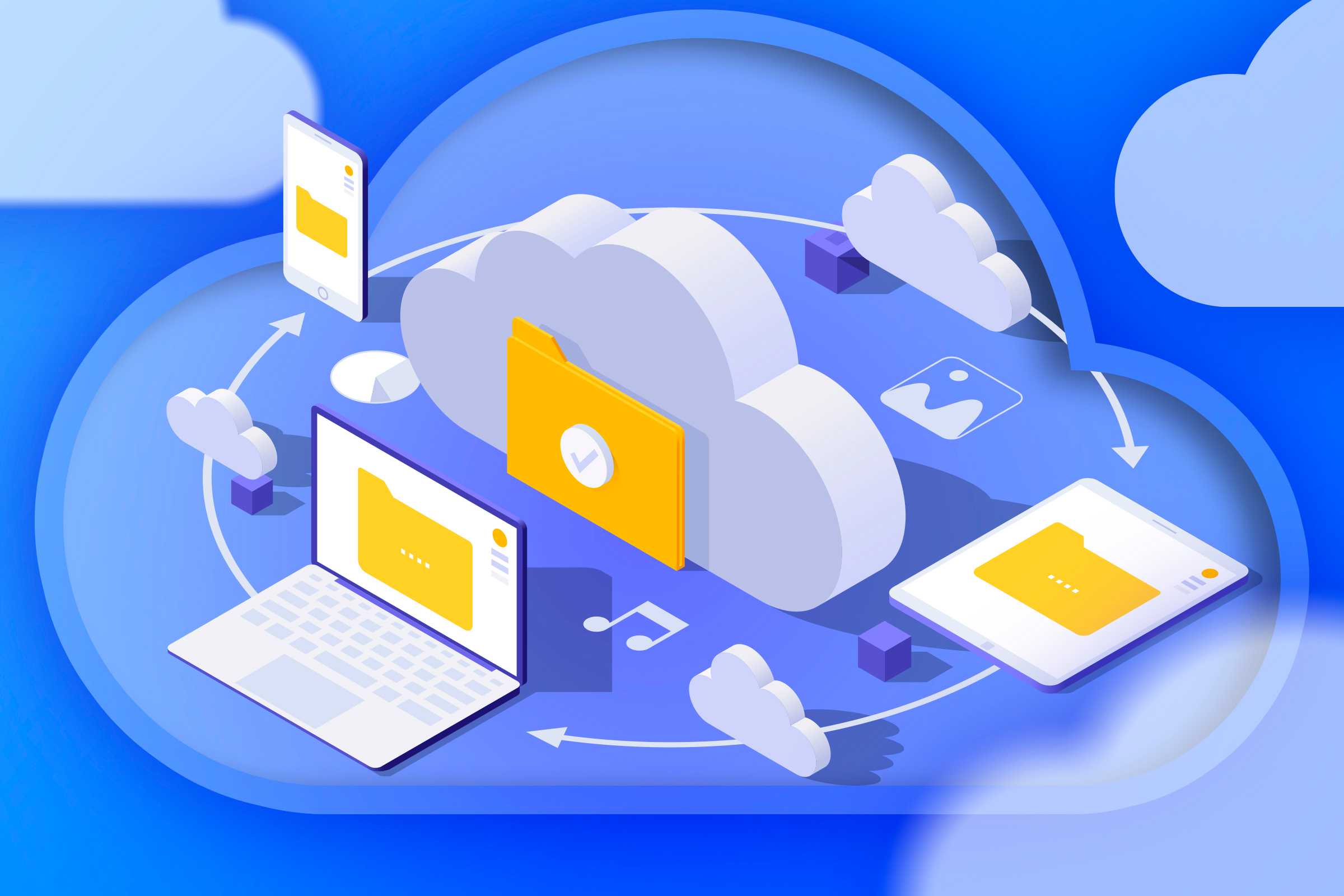
When you switch to cloud storage, your data and apps aren’t actually stuck onto some delicate piece of gear anymore. Instead, they just live safely on a remote server somewhere far away. This basic change gives you instant access to your entire personal workspace from practically anywhere in the world, as long as you have an internet connection. You can usually get to cloud storage from almost any device connected online, which includes your laptop, desktop, tablet, or mobile phone. This kind of accessibility means you can pull up files, like photos, on a smartphone or tablet from anywhere without needing to hook up a bunch of wires to an external hard drive.
Storing portable applications in a cloud-synced folder means your apps and personalized settings can follow you right through the cloud. Services like Dropbox, Google Drive, and OneDrive work perfectly with the PortableApps platform. This setup lets you drop the whole application ecosystem, including all the apps and settings, into a local folder that synchronizes across all your devices.
This means your portable apps will always synchronized. If you happen to update a portable app on one device, the synchronization feature automatically pushes that update out to all your other synced computers, which reduces the pain of always having to reinstall and reconfigure software. If you’re working on a document and you edit it at the office, the latest version will show up when you open it somewhere else because all your work is centralized and updated through the cloud.
You’ll get automatic backup and great security
There are already so many reasons to prefer cloud services over local backup, so go all the way. USBs are pretty easy to get damaged, stolen, or just worn out through use. If you happen to lose or corrupt a USB drive, you’re out of luck if you have no backups. Even external storage devices, including traditional hard drives, can fail at any moment if they get dropped or are exposed to extreme heat, cold, or liquids.
If that hardware failure happens, getting those files back can be incredibly expensive or sometimes just impossible, since the manufacturer usually only covers the cost of the broken drive itself and not the expensive data recovery process. Cloud services, on the other hand, automatically sync everything up and back up your entire application folder. This means that when you upload data to the cloud, it is instantly copied onto multiple physical servers in independent data centers all around the world. So, even if an entire data center somehow gets wiped out by a physical disaster like a fire or an earthquake, another copy of your files stays safe and ready for you on a completely different server.
Cloud services typically offer security and encryption protocols that are way stronger than what a regular flash drive provides. Your standard external hard drive or USB drive almost never has any serious built-in cybersecurity protection, so if you don’t encrypt it and that drive gets lost or stolen, anyone could potentially access everything on it. Cloud uses comprehensive, multi-layered security measures designed to protect your applications and data.
This includes military-grade encryption, which often means using 256-bit AES encryption. Many of the top-tier services even have end-to-end encryption. This means your data gets encrypted right there on your device before it ever gets uploaded. This makes sure that you are the only one holding the decryption key, making the data inaccessible even to the cloud provider itself.
No need to worry about speed limits or hardware constraints
If you rely on a physical USB stick for your portable apps, the main limit you run into is that you are completely restricted by the device’s specific hardware and whatever connection protocols your host computer is using. The speed you get when running portable apps from a USB stick is capped by two things: how slow the drive’s read/write speed is, and the limits of the USB port you are currently using. Say, for example, you are stuck using an older interface like USB 2.0. Your data transfer rates are going to be seriously held back.
That restriction means your speeds could max out at only 480 Mbps, unless you’re using USB 3, but that will need to be upgraded when you need even faster speeds. When you make the decision to move your portable app storage strategy to the cloud, you are basically bypassing those physical hardware limits.
Moving your portable applications to a cloud-synced directory does more than just speed things up. It also removes hardware constraints related to capacity and processing power. Physical storage, like USB drives, have a fixed amount of space that is set the minute you buy them. Once that storage is completely used up, your only option is to buy a bigger external drive or replace your old USB Drive. Cloud storage, on the other hand, gives you virtually limitless storage capacity and scalability. You can easily increase or decrease your storage space whenever you need it, sometimes for just a small fee.
The move away from relying on those physical USB sticks and embracing cloud storage for portable apps is really a huge jump forward when we talk about digital mobility and managing data. Sure, the old USB drive made you feel like you had control, but let’s be real, it has many limitations.
Switching over to the cloud gives you reliable access to your apps and custom settings from pretty much any device that’s connected to the internet. It also gives you peace of mind thanks to its security. If you’re on the fence, it may be time to try reliable cloud-based storage.


